 Kwik Tip
Android beta now open (US only for now)
Tip the person, not the system.
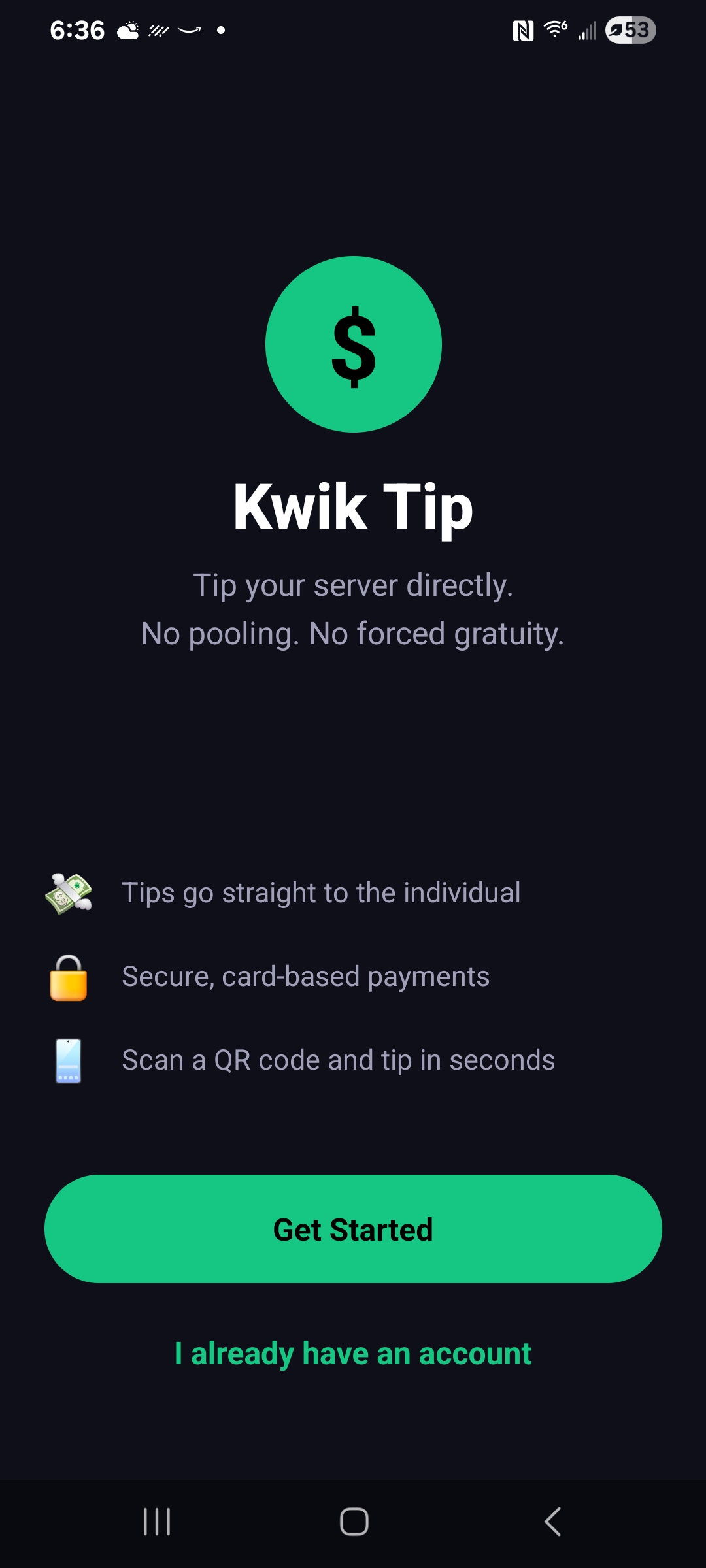
Scan a QR code and your tip goes directly to the person who served you. No pooling. No forced gratuity. You decide.
iPhone version is in the works.
How it works
Three taps and a thank you
Out of cash? Don't want to pass money through a shared jar? Kwik Tip keeps it simple.
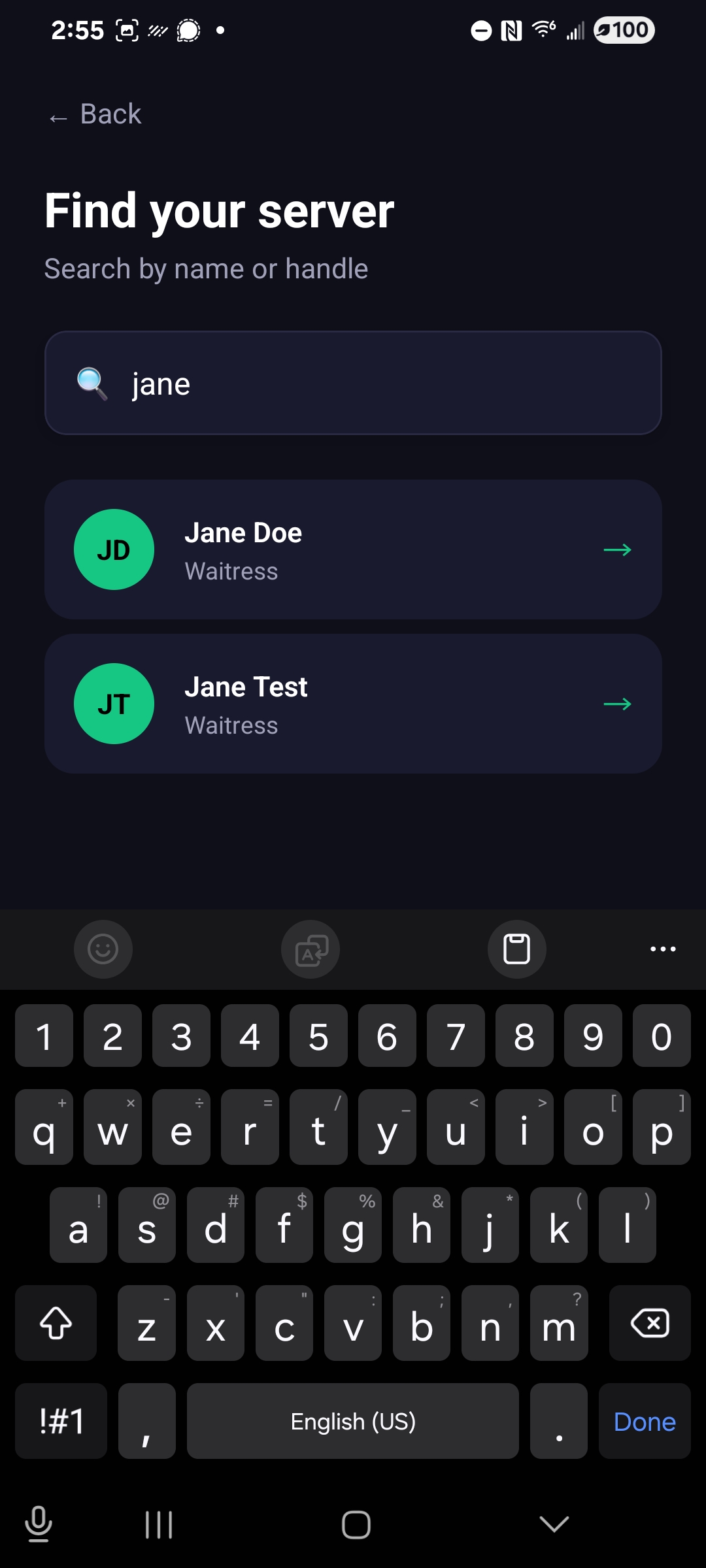
Scan or search
Scan your server's Tip QR code, or look them up by name or handle.
Pick an amount
Choose a quick amount or enter your own. Add a kind note if you like.
Done
Your tip goes directly to them. A small service fee covers payment processing.
Why Kwik Tip
Direct. Tips go to the individual, not a shared pool.
Fast. Scan and tip in seconds.
Secure. Card payments are handled by Stripe, a trusted payment processor.
Fair. No forced gratuity. You decide.
For service workers
Keep what you earned
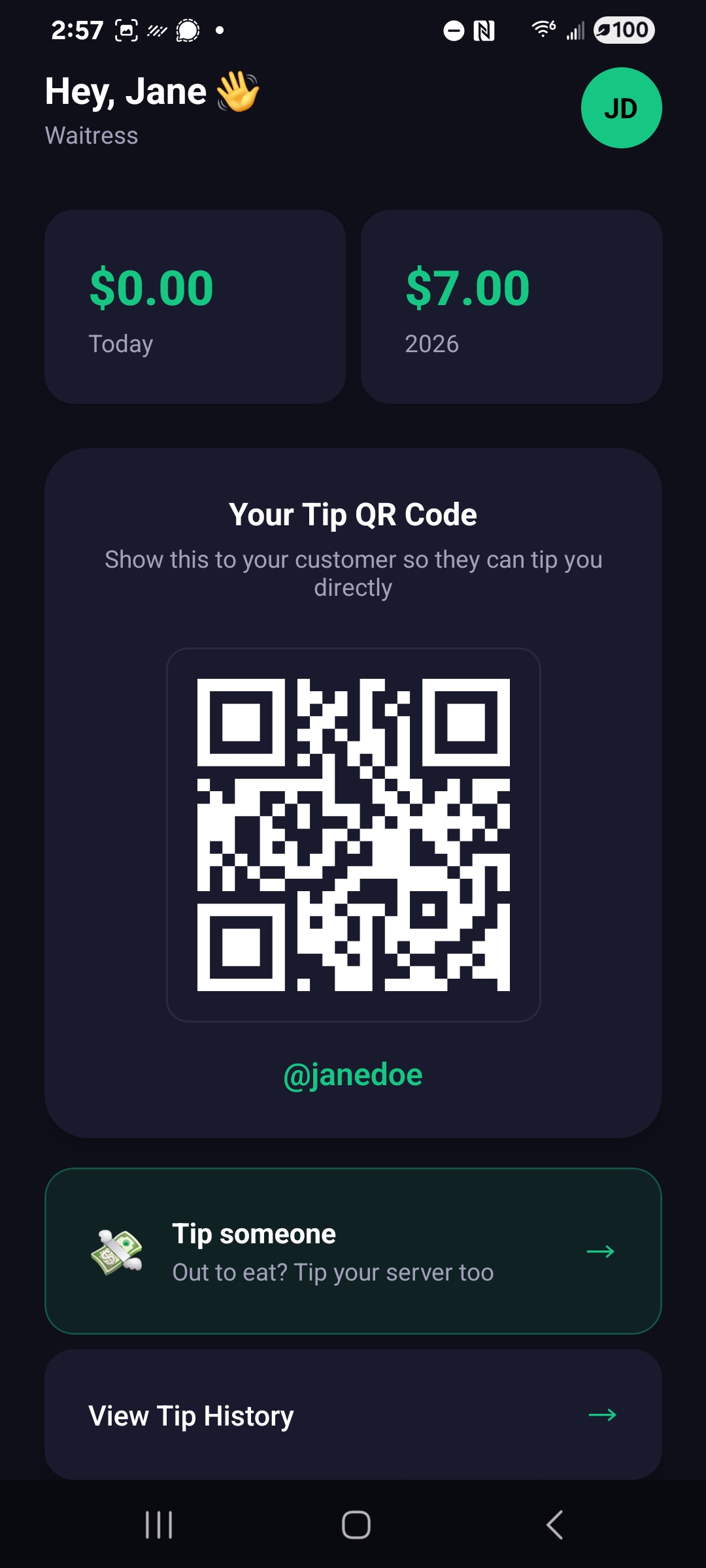
Get your own Tip QR code and personal link. Show it at the table, put it at your station, or share it anywhere. Track what you earn in the app.
Servers, bartenders, stylists, hotel staff, delivery drivers: anyone who gets tipped for good service.
What you get
A personal QR code and @handle
Tips sent to you directly, not a pool
A running total for today and the year
No manager splitting it
Android beta
Help us test Kwik Tip
Kwik Tip is in a Google Play closed test. Payments are in test mode, so no real money moves. Testers get early access and help shape the app.
How to join (2 minutes)
- Join the tester group first: kwik-tip-testers on Google Groups. Use the same Google account that's signed in on your Android phone.
- Then open the opt-in link: play.google.com/apps/testing/com.tipapp.tip, and tap Become a tester.
- Install Kwik Tip from the Play Store page it gives you.
Test card: 4242 4242 4242 4242, any future date, any CVC and ZIP.
The beta is limited to the United States for now. Please keep the app installed for 14 days, since Google requires that of testers.
FAQ
Questions
Is there a fee?
There's no forced gratuity and no tip pooling. A small service fee covers payment processing. You'll see how your tip is handled before you confirm it.
Do tips go into a shared pool?
No. Your tip is sent to the individual you chose, not a shared pool.
Is Kwik Tip live yet?
Not fully. It's in a closed Android beta with payments in test mode. An iPhone version is in the works. This page will be updated when that changes.
How are payments handled?
Card payments are processed by Stripe. Kwik Tip is the app that connects you with the person you want to tip.
How do I delete my account?
See the account deletion page for the steps, or email us at tipapp@protonmail.com.
How do I get help?
Email tipapp@protonmail.com and we'll get back to you.